Go to Setup – Marketing - CRM Types.

In the CRM Type field, enter part (first letters of first word) or all of the CRM type name.
Click Find.
CRM types matching the search criterion are displayed in the results section.
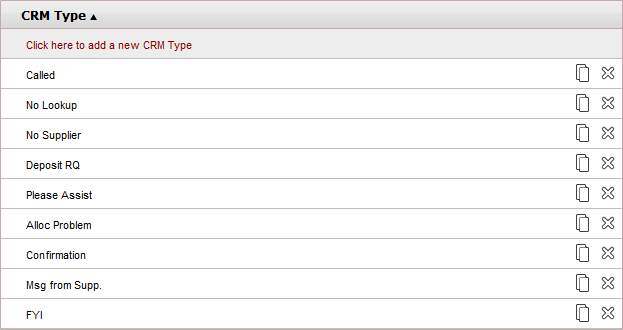
Click  in the row of the CRM
type name.
in the row of the CRM
type name.
A new CRM type is created with the following name:
[Name of original CRM type] [duplicate number in current session]
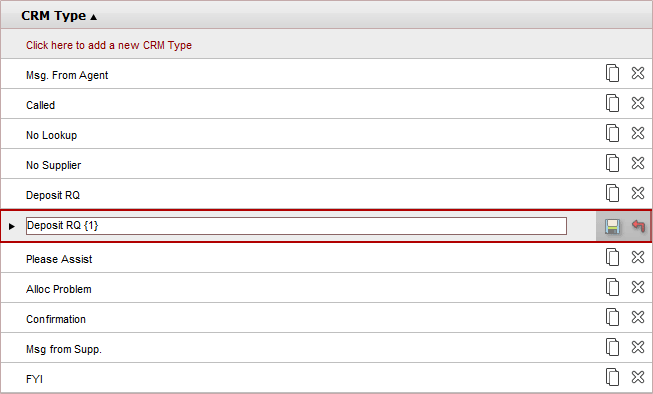
Edit the name of the new CRM type.
Click  to save or
  to revert.