Go to Setup – Marketing - CRM Actions.
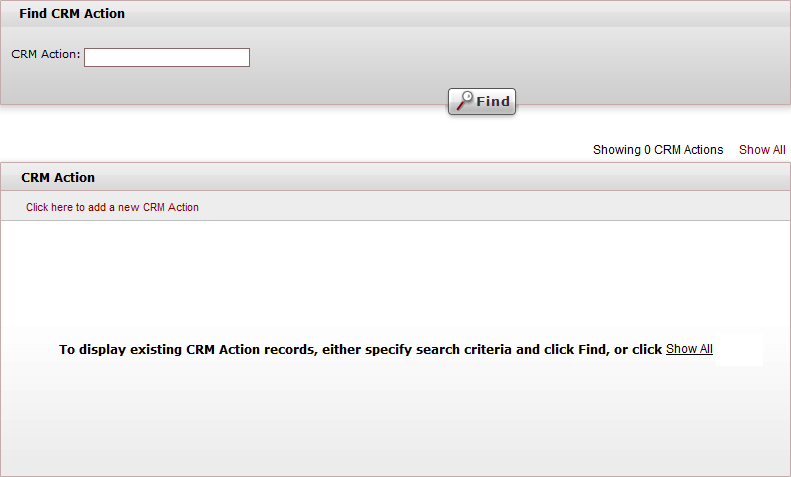
Click Click here to add a new CRM Action.
In the CRM Action field, enter the CRM action name. The name (up to 15 characters) can include more than one word.
Click  to save the new CRM action name or
  to revert.
